

OpenAI shipped Images 2.6 on November 4, 2026, and it is the kind of update that sounds small on paper and feels big in practice. Images now render 50% faster than before, according to OpenAI, still pictures can turn into animated GIFs, and developers get two distinct API models to choose from instead of one. It is live everywhere at once — ChatGPT, Codex, and the API, on every subscription tier including Free. I spent this morning reading OpenAI's own announcement and the developer docs line by line, because the headline number hides a pricing twist worth knowing before you burn through tokens.
How I checked this
My method was simple: I read OpenAI's official announcement page, "Introducing Images 2.6," dated November 4, 2026, and cross-checked the details against the developer model pages and independent coverage from OmniKey and TestingCatalog on November 5. I did not run the model myself, so I have no render timings of my own — every speed and cost figure below is OpenAI's claim or a third party's reading of OpenAI's pricing pages, and I have marked it as such. What I can verify is what the release actually contains, who it is for, and where the fine print sits.
What's actually new
Four things stood out to me. First, speed: OpenAI says Images 2.6 generates images 50% faster than before, and the fast API model, Flare, can return an image in as little as six seconds when quality is set to low. Second, motion: you can now animate a still image into a GIF — a brand mascot, a reaction, a storyboard frame — right inside ChatGPT and Codex. Third, precision: image markup, which used to live only in ChatGPT, now comes to the API, so you can point at the exact part of an image to change instead of describing its location in words. And fourth, portability: Sunburst adds SVG export, and there is a new complexity setting that controls how much planning the model does for a request.
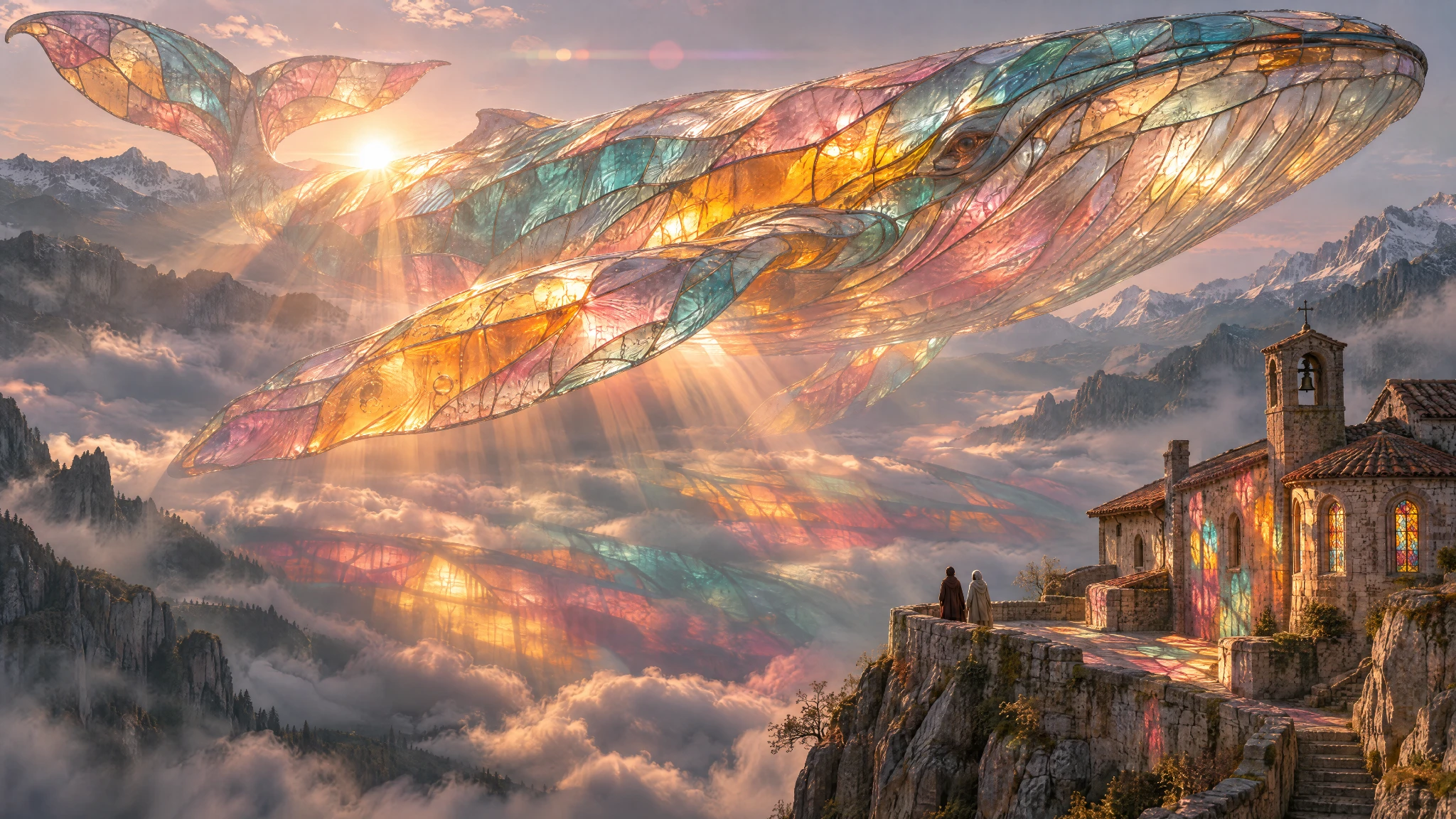
Image: OpenAI
The scale behind all of this is hard to ignore. OpenAI says people now create 4 billion images per week across ChatGPT, Codex, and the API — more than half a billion a day. That is the audience this update is built for.
Flare vs Sunburst: which one to pick
This is the part OpenAI actually got right, in my view: the two API models have clearly different jobs. Flare is the speed model. Pick it for fast iteration, posters, and product imagery — OpenAI says it also improves layout quality for professional visuals. Sunburst is the detail model. Pick it when quality is set to medium or high and you need details to stay consistent across several rounds of edits. Both carry the same model family name, gpt-image-2.6, with -flare and -sunburst suffixes, and both are available in the API today. If you only use ChatGPT itself, you do not choose between them — you just get Images 2.6, with GIFs and saved reference images to keep characters and products consistent.
That split reminds me of the pattern OpenAI used with its recent text models — one fast lane, one careful lane, as I wrote about in OpenAI Launches GPT-6.1 Terra. It also echoes what I saw a day earlier with Tencent's Hy4 launch, which likewise paired vision with computer use; the whole industry is moving from "answer me" models to "do it for me" models, and image generation is following the same road.
The catch: same prices, bigger bills?
Here is the honest limit nobody should skip. OpenAI kept the token rates exactly where they were for version 2.5 — $5 per million text input tokens, $8 per million image input tokens, and $30 per million image output tokens. That sounds like a free speed upgrade. But OmniKey's reading of OpenAI's own calculator found that a low-quality square image now uses about 4.2 times the output tokens of 2.5, which works out to roughly $0.025 per image instead of about $0.006. Same rates, more tokens per picture. Your per-image bill can go up even while the price list stays flat.
The other limit is evidence. OpenAI states "50% faster" without naming the baseline — no model, resolution, or quality setting is specified. One early user on Hacker News timed 1024x1024 renders at 6.7 to 8.9 seconds for 2.6 against 12 seconds for 2.5 at medium quality, which roughly supports the claim, but that is one person's test, not a benchmark. And DesignArena reported that Sunburst moved to first place on its Image Arena leaderboard on launch day, ahead of the previous 2.5 Sunburst. Promising, but first-week signals — treat them as early signs, not proof.
Why this matters
I think the GIF feature is the sleeper here. Turning a still into a looping animation inside the same tool where you made the image removes a whole step from social posts, ads, and memes — and for small teams, that is real time saved. The SVG export matters too: it is the first time a general-purpose image model hands you a format you can drop straight into a website, an app, or print without redrawing it. And markup in the API is a quiet win for developers building editing tools — pointing beats describing when you are fixing one corner of a poster.
It also raises the stakes for rivals. Midjourney (see How to Use Midjourney in 2026) and Ideogram (see How to Use Ideogram in 2026) have owned the "beautiful image" lane, while OpenAI owned the "edit it in ChatGPT" lane; with 2.6, OpenAI is now competing on speed and output formats too. If you already live in ChatGPT, there is less reason than ever to leave it for a quick visual.
Our take
My verdict: Images 2.6 is a genuine upgrade for anyone who generates images daily — the speed, GIFs, and SVG export are all useful, and the Flare/Sunburst split is honest product design. But judge the "50% faster" claim as OpenAI's until independent benchmarks land, and check your actual per-image token usage before assuming the upgrade is free. The model that saves you six seconds per render is not a bargain if it quietly quadruples your token burn at low quality.
If you use ChatGPT's image tools, try one real task with it this week — a poster, a product shot, a GIF version of an existing image — and watch the token count, not just the clock. That is the test that tells you whether 2.6 is faster for you, or just faster on paper.
What would you animate first with a GIF — a mascot, a product, or a meme? Tell us in the comments.
Sources
- OpenAI, "Introducing Images 2.6," November 4, 2026: https://openai.com/index/introducing-images-2-6/
- OpenAI developer documentation and pricing pages for GPT-Image-2.6 Flare and Sunburst (via openai.com)
- OmniKey, "GPT Image 2.6 vs GPT Image 2.5: What Changes?": https://omniakey.com/blog/gpt-image-2-6-vs-gpt-image-2-5
- TestingCatalog, "OpenAI launches Images 2.6 with GIFs and image reference": https://www.testingcatalog.com/openai-launches-images-2-6-with-gifs-and-image-reference/
Comments
Post a Comment